The creator kit. Film a real build in one take.
A script, the sample app's first message, logos and screenshots.
Logos. For light and dark backgrounds.




Screenshots. Frames of the real app.
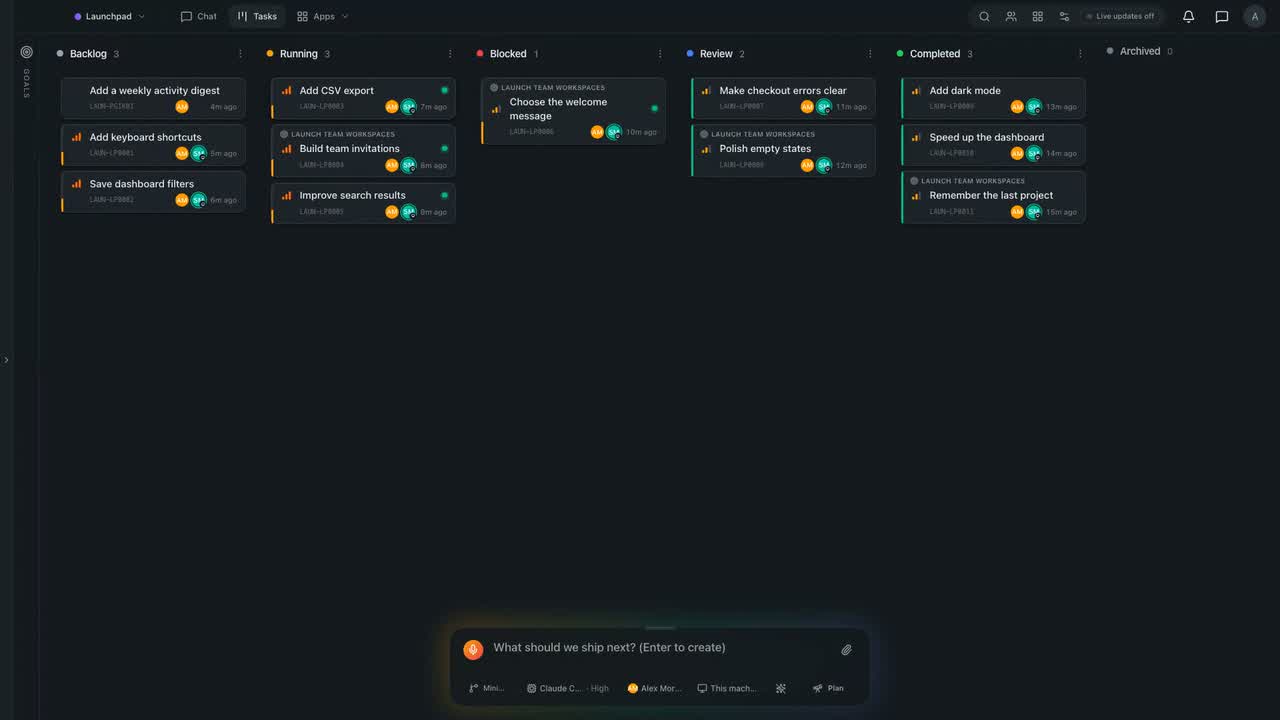
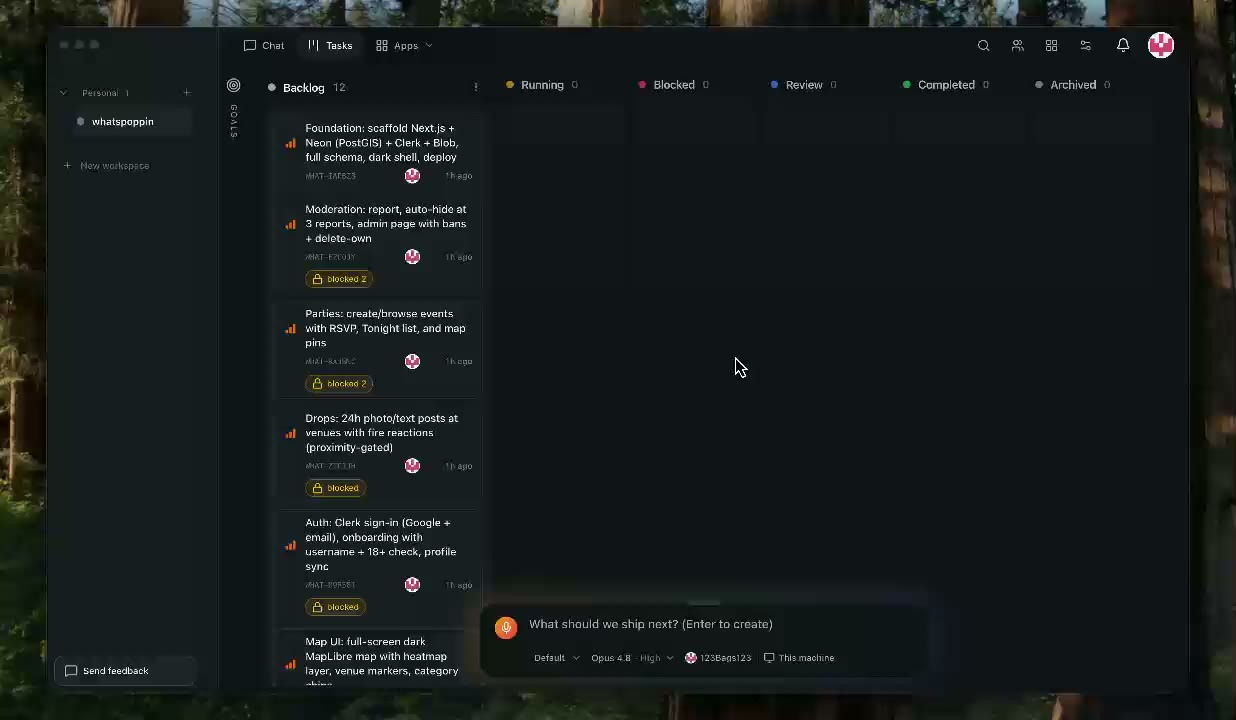
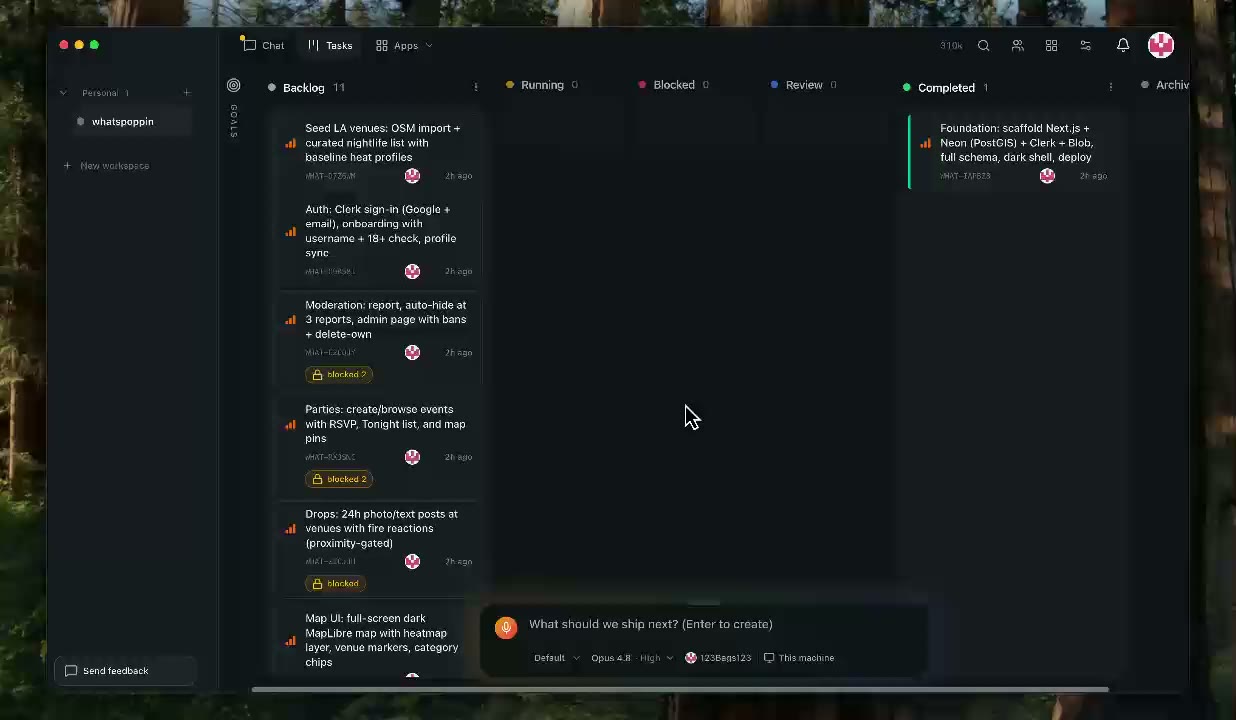
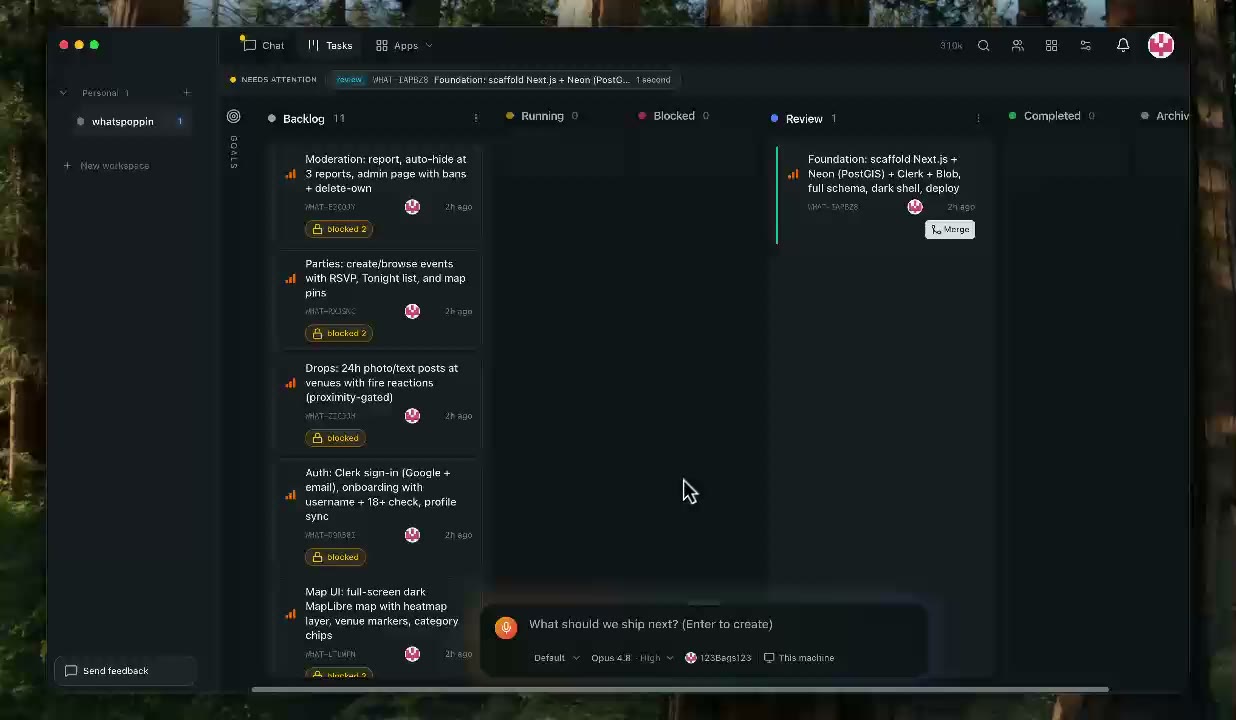
Fredrin's own board. Live and read-only, to show or film.
The script.
The story
You describe an app once in a chat. Fredrin plans it with you, turns it into tickets and runs them side by side on Claude Code or Codex, on the subscription you already pay for. You pick the look, the work merges, and you invite a teammate into the same workspace. People make the decisions; Workers do the work.
The sample app: Focus timer
A one-page focus timer: a big countdown (25 minutes of focus, 5 of break), a short task list beside it, a History page of finished sessions, and a Settings page for the durations and the end-of-session sound. Everything is saved in the browser, so there is no database, no sign-in, no payment and no API key.
- It finishes. A static web app with browser storage has nothing that can stall a take.
- It splits cleanly. After the setup ticket, the other three each own their own files, so three Workers run side by side.
- It has a design moment. The timer is the whole first screen, so picking one of three looks is a choice a viewer can judge in a second.
- It takes about 15 to 25 minutes of Worker time: 6 to 8 for the setup ticket, then 8 to 12 for the three that run together.
The tickets you should end up with (the chat writes its own titles):
- Set up the app and build the timer screen in the chosen design. Runs first, on its own.
- Task list beside the timer, saved in the browser.
- History page of finished sessions.
- Settings page: focus and break length, sound on or off.
Tickets 2 to 4 run in parallel once the first is done.
Before you hit record
- macOS 13 or later, Apple silicon or Intel. On an Intel Mac, use the Download the Intel build link on fredrin.com/download.
- A Claude Code (Pro or Max) or Codex (ChatGPT Plus or Pro) subscription, with the CLI already signed in: run
claude(orcodex login) once in Terminal and finish the browser sign-in. Fredrin uses that sign-in, not a key. - A GitHub account you can sign in to on camera, with room for one new repository.
- git with a name and email set. Run
git config --global user.nameandgit config --global user.email. Both must print something, or a Worker's commit fails. - A brand-new Fredrin account, so the first-run screens show. If you have used Fredrin before on this Mac, quit it and move
~/Library/Application Support/Fredrinaside. - Your affiliate link from your affiliate dashboard, ready for the video description.
- A teammate's email for the closing beat, and that person nearby if you want to show both sides.
- Nothing secret on screen: no key, token or
.envfile.
The video, in seven beats
Times are rough wall-clock times on a normal connection.
1. Install and sign up (about 3 minutes)
Open fredrin.com/download and click the macOS download. Open the .dmg, drag Fredrin to Applications and open it. Click Sign in, sign in with GitHub or Google in the browser with the new account, then come back to the app. On screen: the download page, the browser sign-in, then Fredrin's hello. screen.
2. Connect your plan and GitHub (about 2 minutes)
On hello., click Use my subscription. On Connect your plan, your row should say Connected: pick it and click Continue. Then choose the GitHub way in. Fredrin checks the GitHub CLI, installs it if it is missing, and asks you to sign in to GitHub and give the Fredrin GitHub App access. On screen: green checks as each step resolves.
3. Create the project and start one chat (about 1 minute)
On Create your first project, choose Create a new repository, name it focus-timer and click Create repository. Open Chat in the top bar and click New chat. It asks What do you want to build? Paste the first message below exactly and press Enter.
4. Answer the questions and pick the design (about 4 minutes)
The chat asks short multiple-choice questions, one at a time, each with a recommended answer. Click the answers listed below. Then it shows three mockups of the timer screen: open them, click Side by side, say on camera which you like and why, then click Use this and send. This is the beat to linger on.
5. The tickets appear (about 1 minute, then 6 to 8 for the first)
The chat files the tickets and starts the first one right away. On screen: Ticket created cards under the reply, and on the board the first card in Running with its live activity line. Cut or speed up the footage while it builds.
6. The rest run side by side and merge (about 10 to 15 minutes)
When the first card reaches Review or Completed, type in the same chat: Start the other three tickets now. Three cards move to Running together, each with its own Worker. Open two side by side to show them working at once. If a Worker asks you something, its card says so; answer with a click. Auto-merge is on by default, so each card moves to Completed once its checks pass. If one sits in Review, open it and click Merge.
7. Show the app and invite a teammate (about 3 minutes)
Ask the chat How do I run the app on this Mac?, run the command it gives you in Fredrin's Terminal, and open the local address in Fredrin's Browser. Start a short timer, add a task, open History and Settings. Then open Settings → Members, click Invite, and send your teammate an invite. If they accept on camera, show the same board on their screen, live. The line to close on: "One app where a team and its AI build software together."
The first chat message
Paste this exactly:
A focus timer web app for me. One page with a big countdown: 25 minutes of focus, then a 5-minute break, with start, pause and reset. A short task list beside the timer where I can add, tick off and delete tasks. A History page that lists my finished focus sessions by day. A Settings page to change the focus and break lengths and turn the end-of-session sound on or off. Save everything in the browser: no accounts, no database, no payments, no API keys. Before you file anything, show me three different designs for the timer screen so I can pick one. Then file a setup ticket that builds the timer screen in the design I pick, and one ticket each for the task list, the History page and the Settings page, so those three can run at the same time once setup is done.Answers to pick
The wording changes from run to run. Pick the answer that matches:
- What kind of project is this? Website (a web app).
- Who is it for? Just me, personal use.
- Where should data live? In the browser (local storage). No backend.
- Sign-in or accounts? None.
- Hosting or deploy now? Not now, run it locally.
- Which design? Whichever you like on camera. Say why in one sentence.
- Anything else before filing? No, file it.
If a question asks for a key, a database or a payment provider, answer None, keep it in the browser.
If a step stalls
- Sign-in never comes back to the app. Close the browser tab and click Sign in again. If it loops, quit Fredrin (⌘Q) and reopen it.
- "Not signed in" on Connect your plan. Run the command the screen names in Terminal, finish the browser sign-in and click back into Fredrin. Don't continue on camera until the row says Connected.
- The chat files tickets before showing designs. Reply:
Show me three designs for the timer screen first. - A card goes to Blocked. Open it: the card says why the Worker stopped. A missing git name or email shows as a failed commit; set them, then retry the card.
- Two parallel tickets conflict. The card offers to fix the conflict. Let it.
Your video, in the description
- Your own
/r/affiliate link. - YouTube's "includes paid promotion" setting turned on, and a line in the video saying so.